
Step-by-Step Guide for Reconfiguring Ericsson DU, DUW, and DUW 31 01, 30 01
DUW Configuration for 3G with the Ericsson RBS 6000 Base Station Family: A Guide to Implementing the Dual DUW 31 01, 30 01 on the RBS 6201 for WCDMA Networks. Ericsson DUW 3101 is a digital unit for wireless communication developed by Ericsson, a multinational telecommunications company headquartered in Stockholm, Sweden. One of the key features of the DUW 3101 is its ability to support multiple wireless communication standards, including GSM, GPRS, and EDGE. This allows for seamless communication between different devices and networks, and makes it an ideal choice for companies that need to communicate with multiple types of devices and networks.
Before proceeding with these steps, it’s important to make sure that you have the proper authorization and training to perform this work. It’s also a good idea to consult the documentation for the DUW 31 01 device to ensure that you are following the correct procedures. If you are unsure about any of the steps or encounter any issues, it’s best to seek assistance from qualified professionals or the manufacturer.
Requirment for uploading data and Formating:
- Putty Software (For format DUW)
- Total commander (Copy/Past Software Data c,d drive)
- Need Software DATA of DUW C and D drive
- Configuration Version
- USB to RJ Cable
1- Replace New DUW with Faulty DUW and insert All CPRI cables DUW to RUS
2- Insert F to F and IDL to IDL.
Note: On the IDL cable, one side is labeled as ‘Primary’ and the other side is labeled as ‘Secondary’. The primary side is the main DUW (3101) and the Secondary side is the DUW 30 01 or 3101. Additionally, the TN cable must be connected to the primary DUW (3101), as this is the master and main DUW for transmission as per system design.
3- Now Switching ON the main DUW 3101 for reconfiguration and Keeping the Secondary DUW Off.”
4- Take the data of DUW (C and D drive) data get from Company or check in computer available or get from other Engineer if available in computer provided by your company officialy and then upload via Total commander C/C2 and D driver. If not any one person provide you contact with company and get DUW C and D drive data.
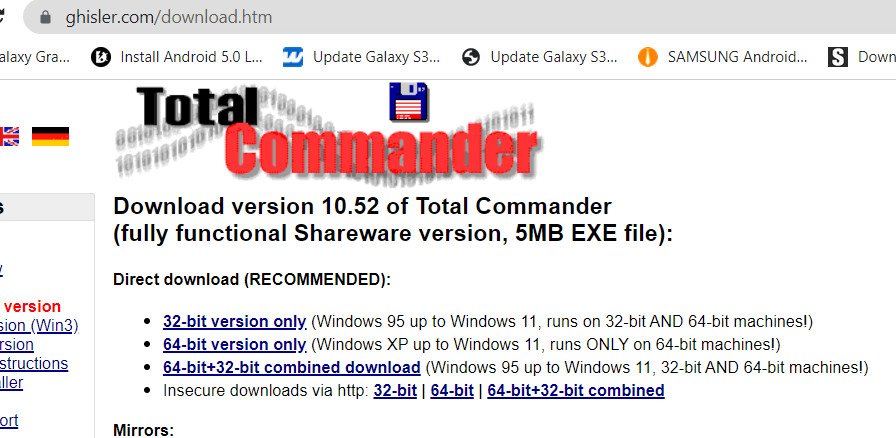
5- Download and Install Total Commander

6- For site Reintegration of DUW: Obtain an older version of the CV, contact your company or NOC for obtaining the CV (Configuration Version) along with the License key for your site. An email from NOC will be received for downloading the CV, download and save it on the computer for reloading it later on DUW
8- Now conect DUW with computer via SRJ45 Serial cable to DUW LMT Port. if DUW 30 01 format use LMT A and DUW 31 01 have only One LMT port.