A Modern Guide to Launching WordPress on a New Domain
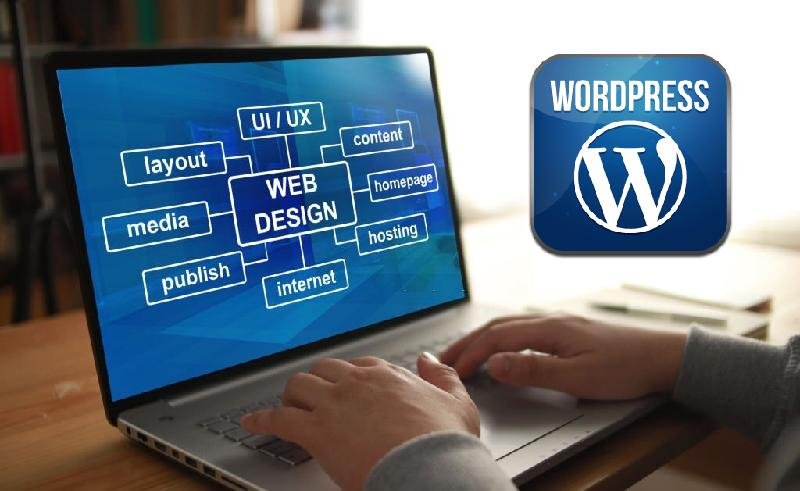
Boost your business with make new website and WordPress installation. Tips Modern Guide to Launching WordPress on a New Domain. WordPress remains the undisputed powerhouse of the internet, driving everything from dynamic personal portfolios to complex enterprise platforms. As open-source software, it provides unparalleled flexibility and ownership over your content. However, its true potential is only unlocked when paired with a custom domain name.
While the idea of configuring domains and servers might sound intimidating, the modern setup process is highly automated and user-friendly. If you are preparing to establish your digital footprint, here is the straightforward path to getting WordPress running perfectly on your new domain.
Step-by-Step Installation Guide
1. Claim Your Digital Identity (Domain Name) Your domain is your permanent address on the web (e.g., www.yourbrand.com). You can secure this through dedicated domain registrars like Namecheap, Google Domains, or GoDaddy. Choose a name that is concise, memorable, and directly reflective of your brand or purpose.
2. Invest in Reliable Web Hosting If your domain is your address, your web host is the physical plot of land where your website lives. Today, it is highly recommended to choose a host that offers “Managed WordPress Hosting” (such as SiteGround, Kinsta, or WP Engine). These environments are specifically optimized for WordPress speed and security.
3. Execute the Installation The days of manually downloading files and uploading them via FTP are largely behind us. Modern hosting providers feature one-click WordPress installers directly in their dashboards. You simply select your new domain, create an administrative username and secure password, and the server automatically builds your WordPress environment in seconds.
4. Establish Core Configurations Before building out your site, log into your new WordPress dashboard to set up the fundamentals:
-
SSL Certificate: Ensure your site is secure (HTTPS). Most modern hosts provide this for free and auto-enable it during setup.
-
Permalinks: Navigate to your settings and change your URL structure to “Post name” for clean, SEO-friendly links.
-
Site Identity: Update your Site Title and Tagline to reflect your brand accurately.
5. Design Using Modern Block Themes The current era of WordPress utilizes “Full Site Editing” (FSE). This means you can customize every aspect of your site—headers, footers, and page layouts—using intuitive, drag-and-drop blocks. Browse the official theme repository to find a modern block theme that aligns with your aesthetic and activate it.
6. Expand Functionality with Plugins Plugins are essentially apps for your website. While you should avoid overloading your site, installing a few essentials is crucial. Look for highly-rated plugins to handle SEO optimization, caching (for faster load times), security firewalls, and automated backups.
7. Create and Organize Content With the framework in place, you can begin publishing. Use the block editor to craft rich, engaging posts and pages incorporating text, multimedia, and customized layouts. Utilize categories and tags to keep your content logically structured for your visitors.
8. Automate Your Maintenance A healthy website requires regular upkeep. Navigate to your dashboard settings and enable automatic background updates for WordPress core, your active theme, and your plugins. This ensures your site remains secure against vulnerabilities and operates smoothly without requiring constant manual oversight.
The Value of a Custom Digital Space
Ultimately, attaching your own domain to a WordPress installation does more than just provide a functional web address; it instantly elevates your brand’s credibility and solidifies your ownership of your digital space. By taking these foundational steps, you transition from simply existing online to actively commanding a professional, scalable platform capable of growing alongside your ambitions. The modern WordPress ecosystem is built to handle the technical heavy lifting, leaving you free to focus on what matters most: creating impactful content and building meaningful connections with your audience.