Home Blog Page 4

7 Great 100% Free Sites for Photo and Download Graphics

Largest Free Download Royalty Free Graphics Stock Websites

7 Great 100% Free Sites for Photos and Download Graphics

7 Great 100% Free Photo and Download Graphics Royalty Free Sites for  Photos, Vector Art, Images, Graphics, Icons, and Videos. Are you in need of high-quality, royalty-free graphics, photos, videos, or icons for your next project? Look no further! Here are the top ten great websites for free download of royalty-free media. These websites are all great resources for finding high-quality, royalty-free graphics, photos, videos, and icons. Whether you need a photo for a blog post, a vector graphic for a brochure, or a video for a social media campaign, these websites have you covered.

Free sites for photos and graphics are essential for any creative project, offering high-quality, royalty-free resources without breaking the bank. Whether you’re designing a brochure, sprucing up a blog post, or creating eye-catching social media content, these platforms provide everything you need to bring your vision to life effortlessly.

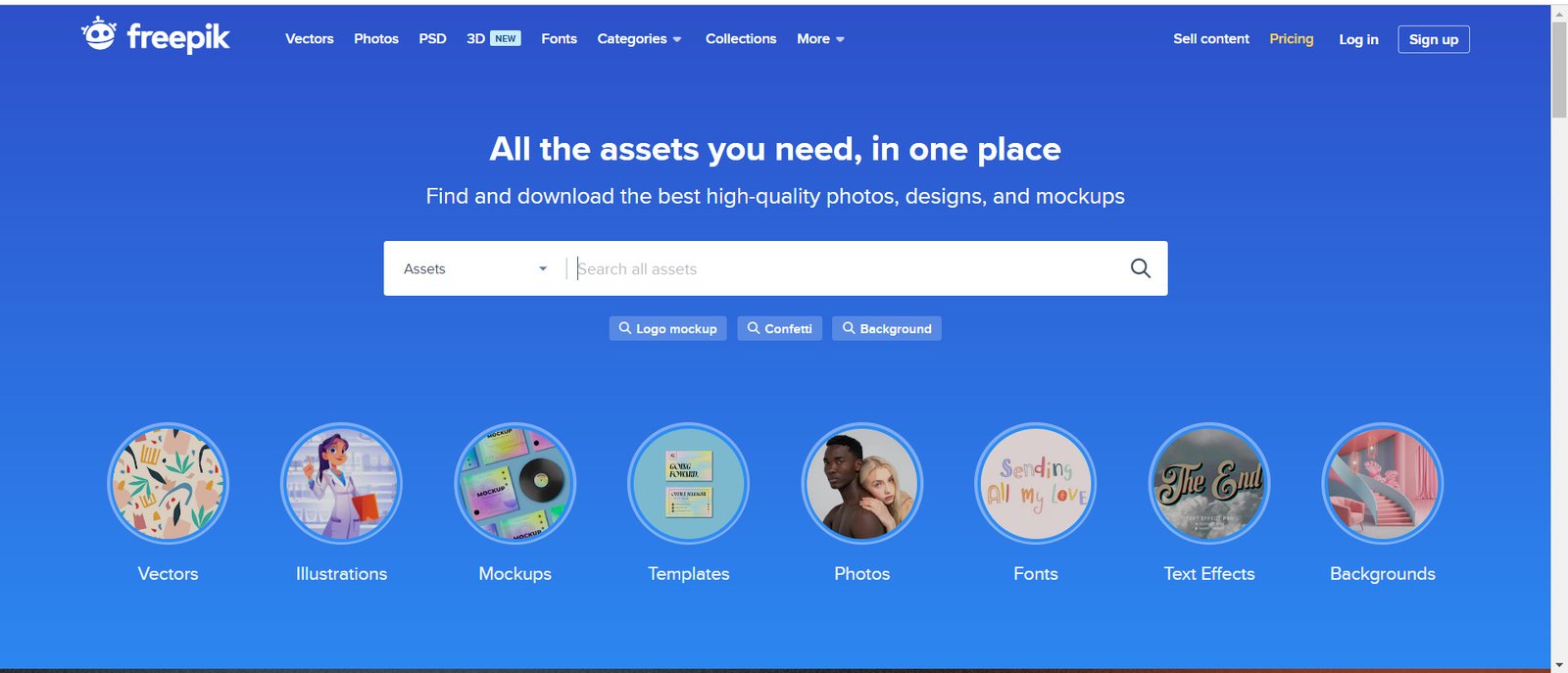
1- Freepik: Freepik is a website that offers a wide range of vector art, graphics, and icons that are available for free download. With over 2 million resources to choose from, you are sure to find something that fits your needs.

Download Graphics

Website URL: www.freepik.com

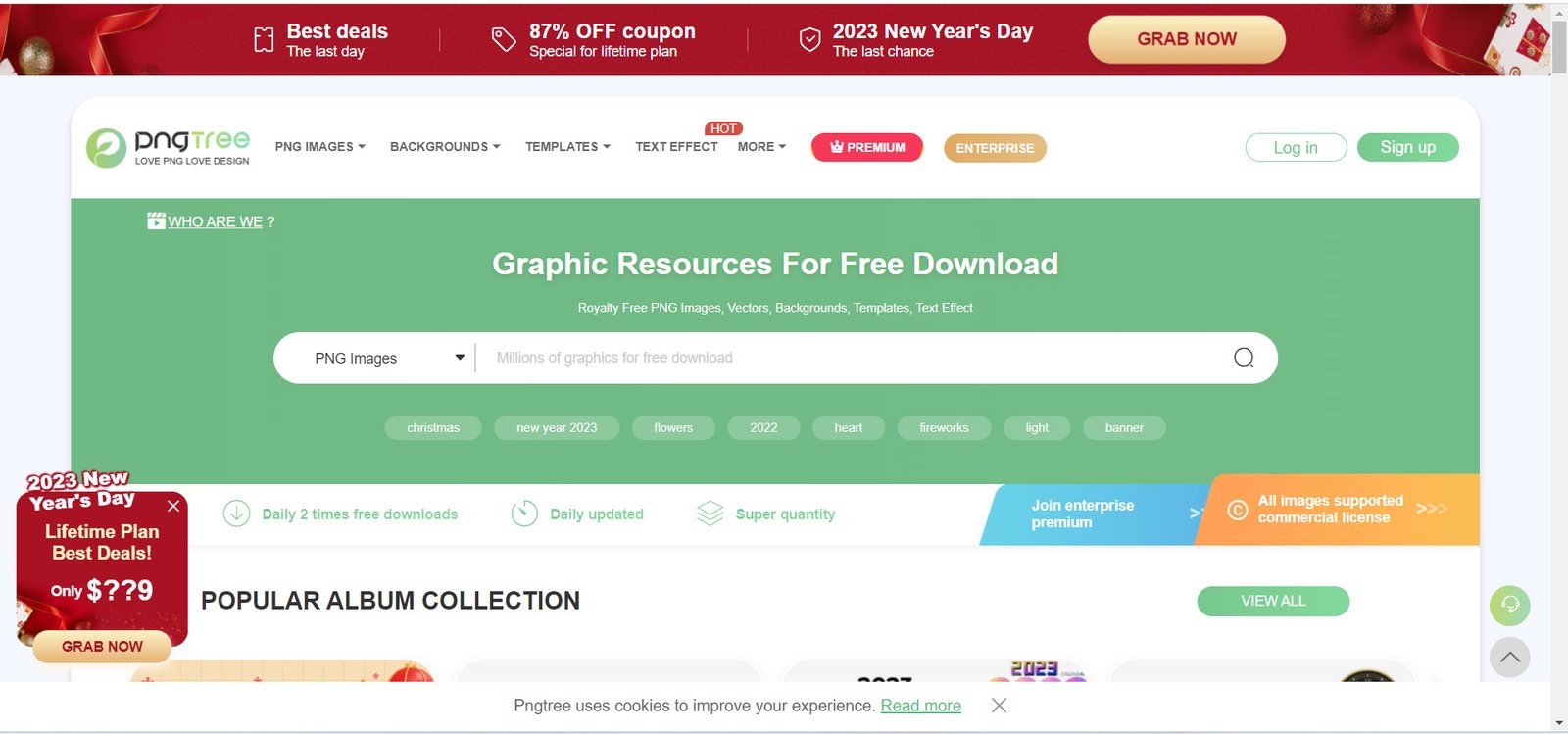
2- PNGTree: PNGTree is a website that offers a wide range of royalty-free images, including photos, graphics, and icons. With over 3 million resources available, you’ll be able to find the perfect image for your project.

PNGTree

Website URL: www.pngtree.com

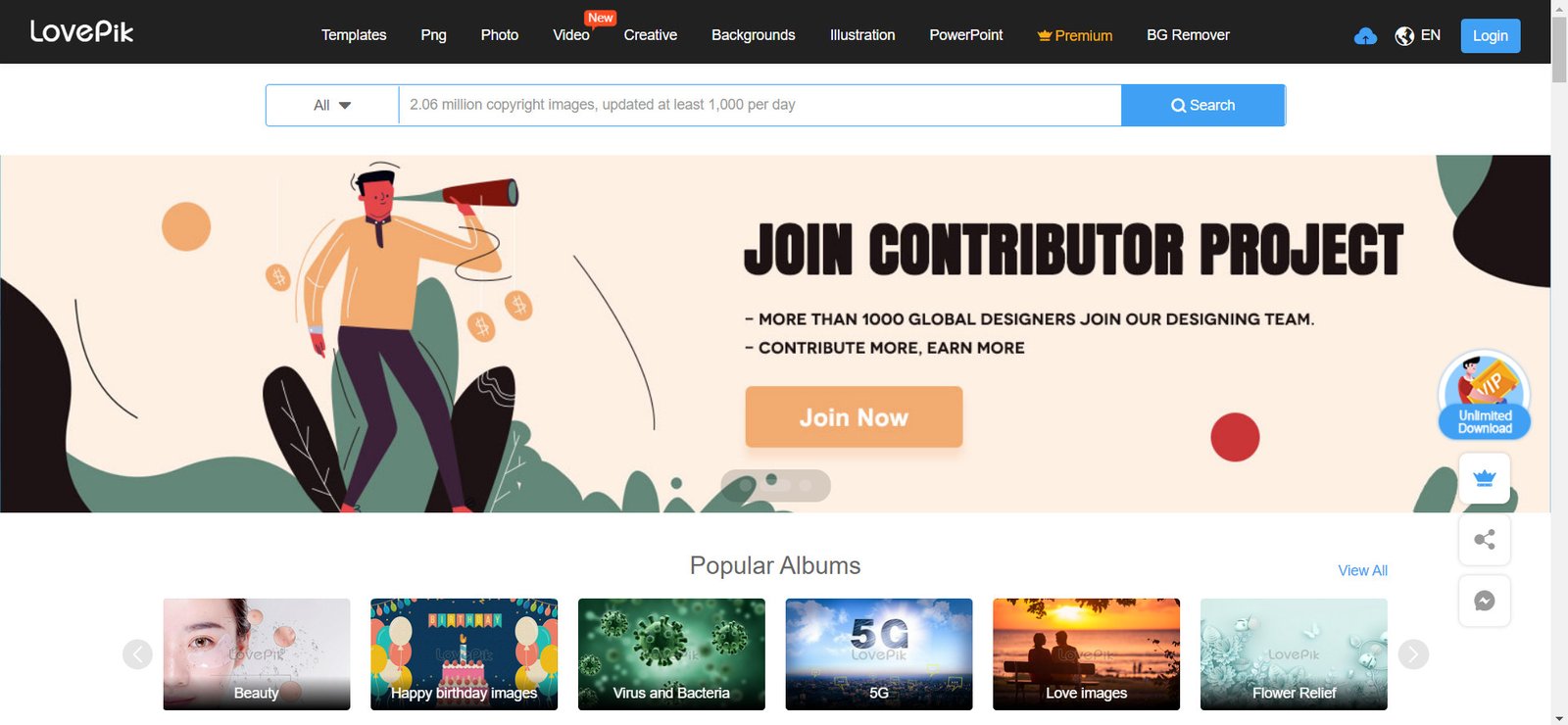
3- Lovepik: Lovepik is a website that offers a large selection of vector art, graphics, and icons that are free to download and use. With over 8 million resources available, you’ll be sure to find something that fits your needs.

lovepik

Website URL: lovepik.com

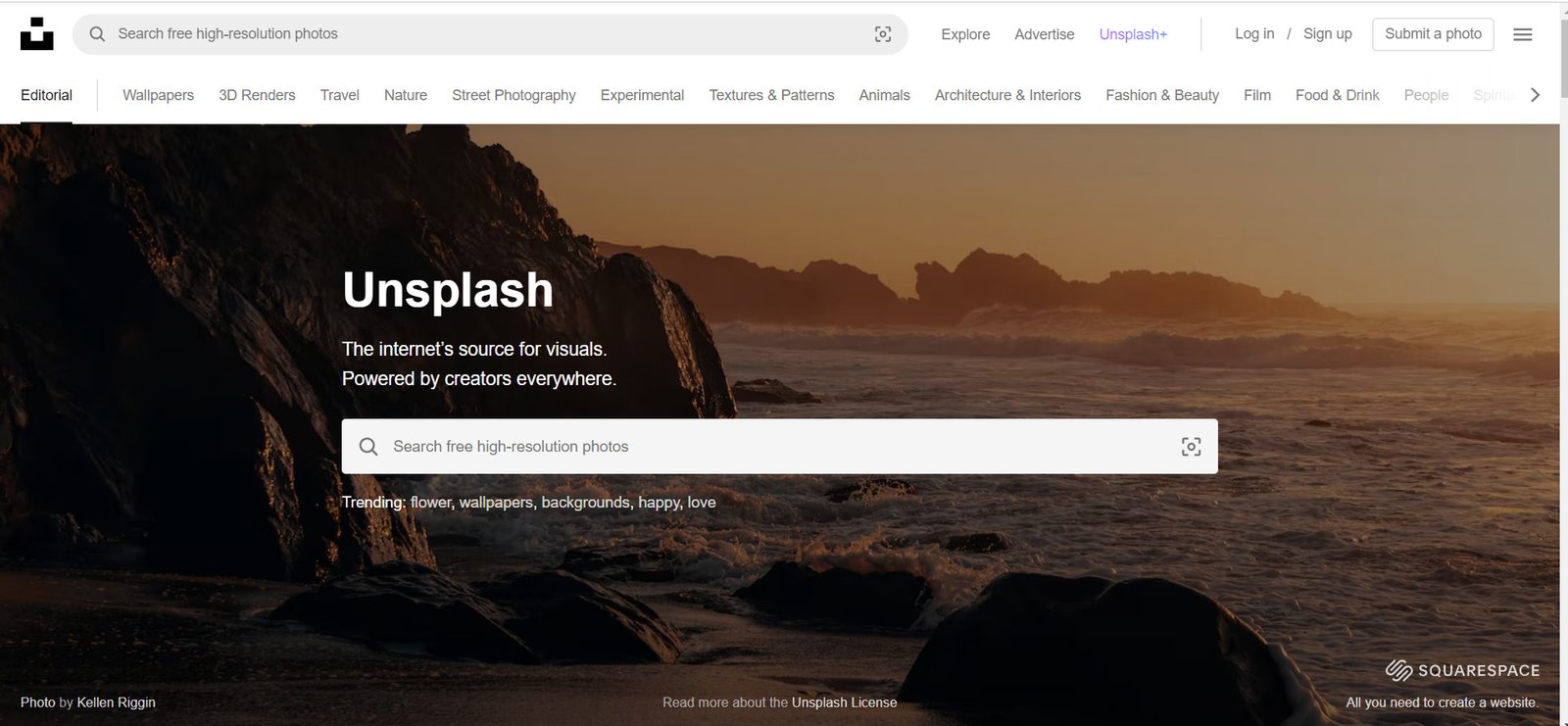
4- Unsplash: Unsplash is a popular source for high-quality, royalty-free photos. With a collection of over 1 million images, you’ll be able to find the perfect photo for your project.

unsplash

Website URL: unsplash.com

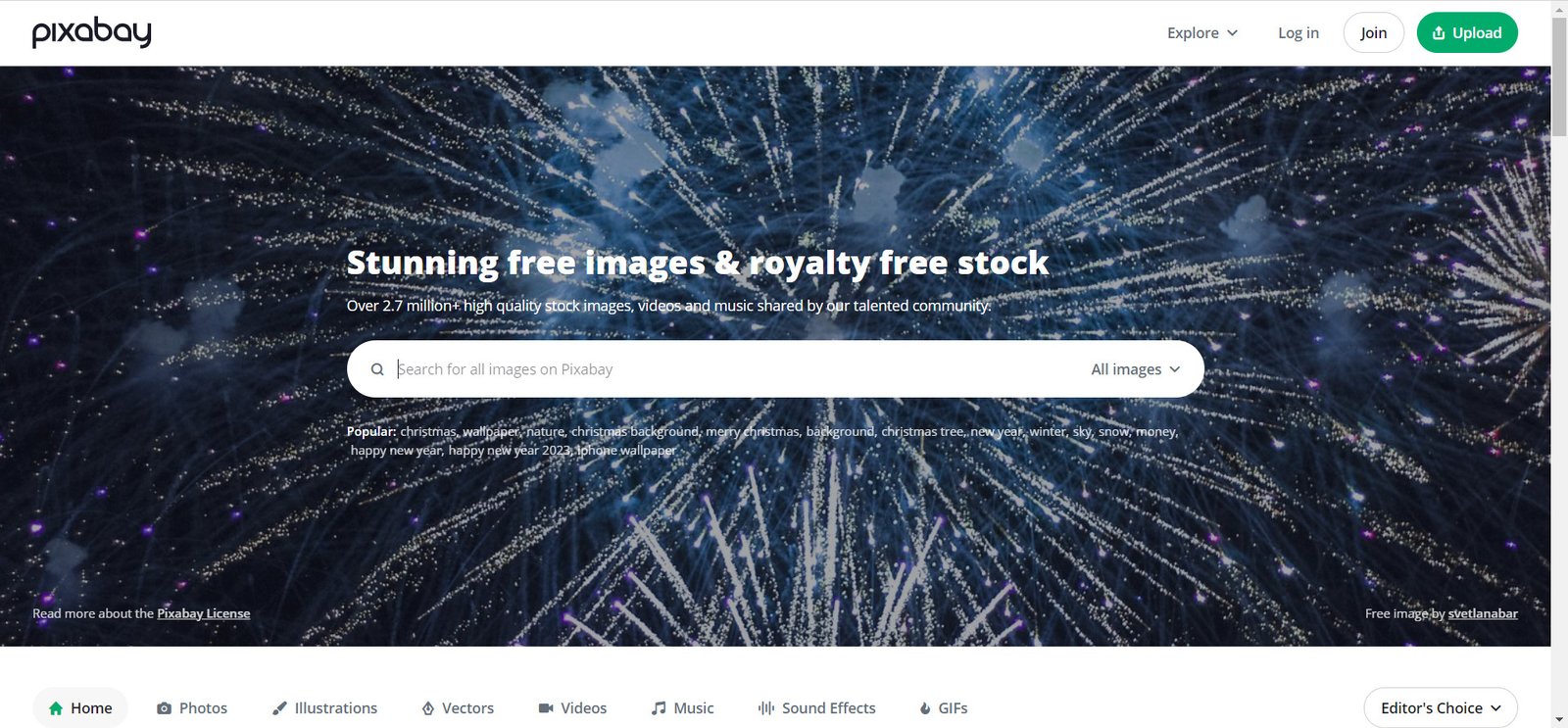
5- Pixabay: Pixabay is a website that offers a wide range of royalty-free photos, vector art, and illustrations that are free to use for any purpose. With over 1.9 million resources available, you’ll be sure to find something that fits your needs.

Website URL: pixabay.com

6- Pexels: Pexels is a great resource for high-quality, royalty-free photos. All of the images on the site are licensed under the Pexels license, which allows you to use the photos for any personal or commercial purpose.

pexels website
#image_title

Website URL: www.pexels.com

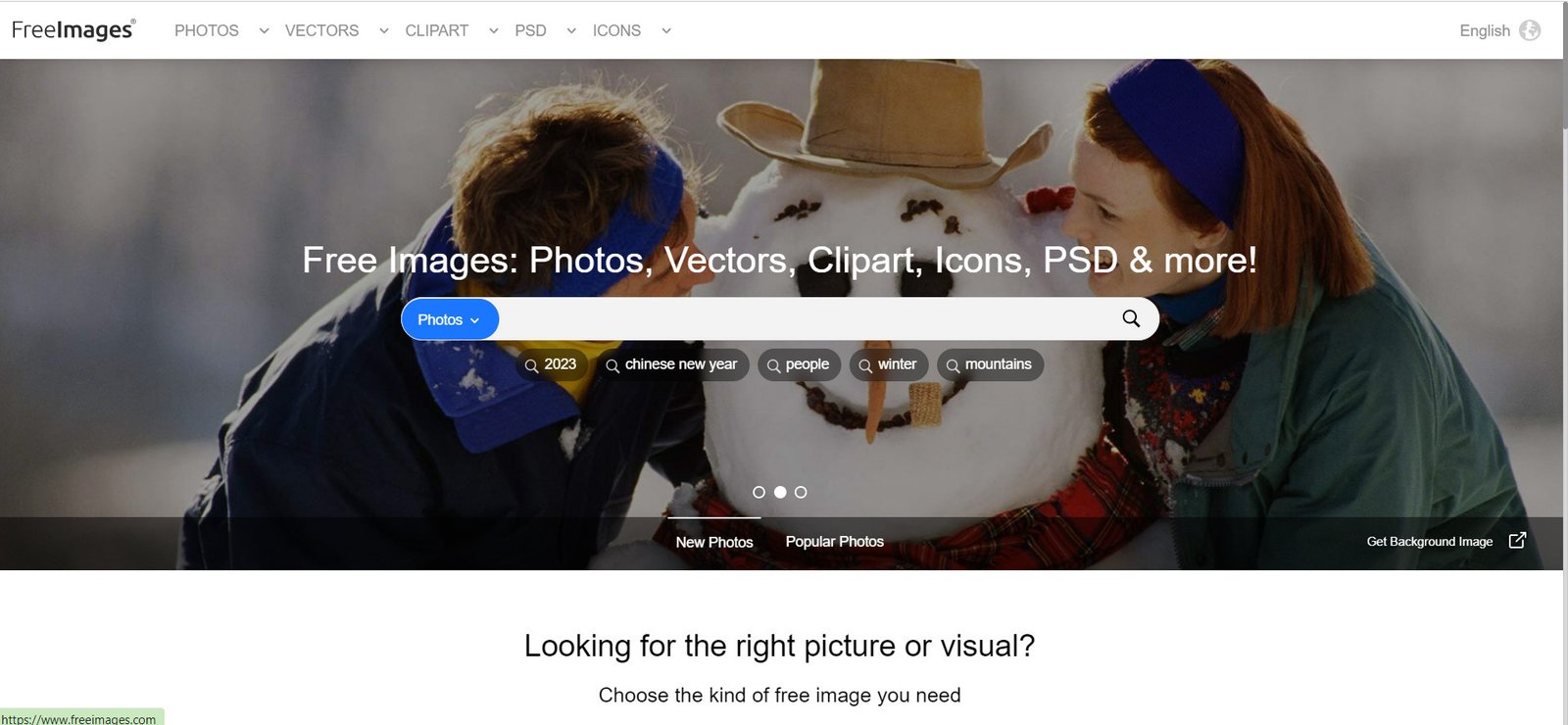
7-Freeimages: Freeimages is a website that offers a large selection of royalty-free photos that are available for free download and use. With over 350,000 images available, you’ll be able to find the perfect photo for your project.

freeimages


Website URL:  www.freeimages.com


9 Largest Premium Royalty Free Images, Videos & Graphics Stock Websites

Largest Premium Royalty Free Images Videos Graphics Stock Websites

9 Largest Royalty Free Images, Videos & Graphics Websites

Graphics Websites use for Create a website for your business or marketing your business on social media by posting informative content about your product or service, build a website for your e-commerce store or running an informative blog. It is therefore important to design your products in such a way that the customer always sees a beautiful product and is attracted to it. It is necessary to have good and beautiful graphics content in order to achieve this. Having great, beautiful, high-resolution and high-quality images is essential to illustrate the content of your product, service, or marketing post, which sometimes requires beautiful model girls and men.

Royalty free image websites are essential tools for creators, marketers, and business owners who need high-quality visuals without licensing headaches. Whether you’re designing social media posts, building websites, or creating marketing materials, these platforms offer millions of professional assets that make your projects shine and attract attention.

On such web you can find best high resolution graphics collection like banner, islamic graphics, calligraphy, twitter cover, flex, business cards, cards, brochure, artwork, wallpaper, magazine, logo, flyer, fb cover photo, Includes artwork, food menus, packaging, newsletters, stationery, and key TV media And whenever you work on new projects like creating a business website, social media product marketing, it requires new images and vector graphics which are sometimes practically and physically impossible to get.

Now you don’t need to search more, the website has been listed to find millions of images according to your work, you can easily find and download everything by clicking on them.

1- Adobe Stock Royalty Free Images

Make your next creative project stand out with the right stock asset Photos, Templates, Illustrations, Videos, Audio, 3D, Vector and Graphics. As a powerhouse in the creative industry, Adobe Stock offers a seamless experience by integrating its massive library directly into Creative Cloud applications like Photoshop and Illustrator. This unique ecosystem allows users to preview watermarked images within their designs before committing to a purchase. Their collection is vast, spanning high-resolution photography, 4K video, and sophisticated vector illustrations, all curated to meet the high standards of professional editors and designers who prioritize workflow efficiency.
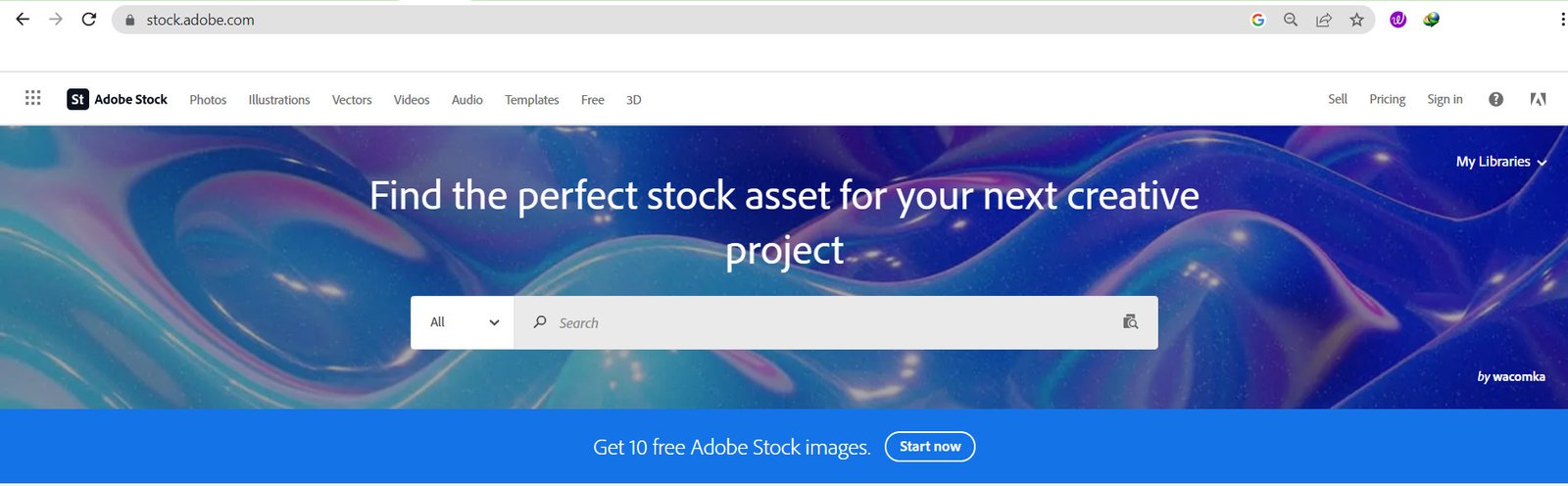
Adobe Stock for Photo and video
Website: www.stock.adobe.com

2- IstockPhotos

The free inspiration you need every week Image, Illustrations, Template, Audio, Video. Originally known as iStockphoto, this platform pioneered the crowd-sourced stock industry. Now a part of the Getty Royalty Free Images family, it distinguishes itself through its “Signature” collection—exclusive, high-end content that you won’t find on any other site. By balancing budget-friendly “Essential” assets with premium, artistic imagery, iStock caters to a wide spectrum of users, from small bloggers to multinational corporations seeking a distinctive visual edge.
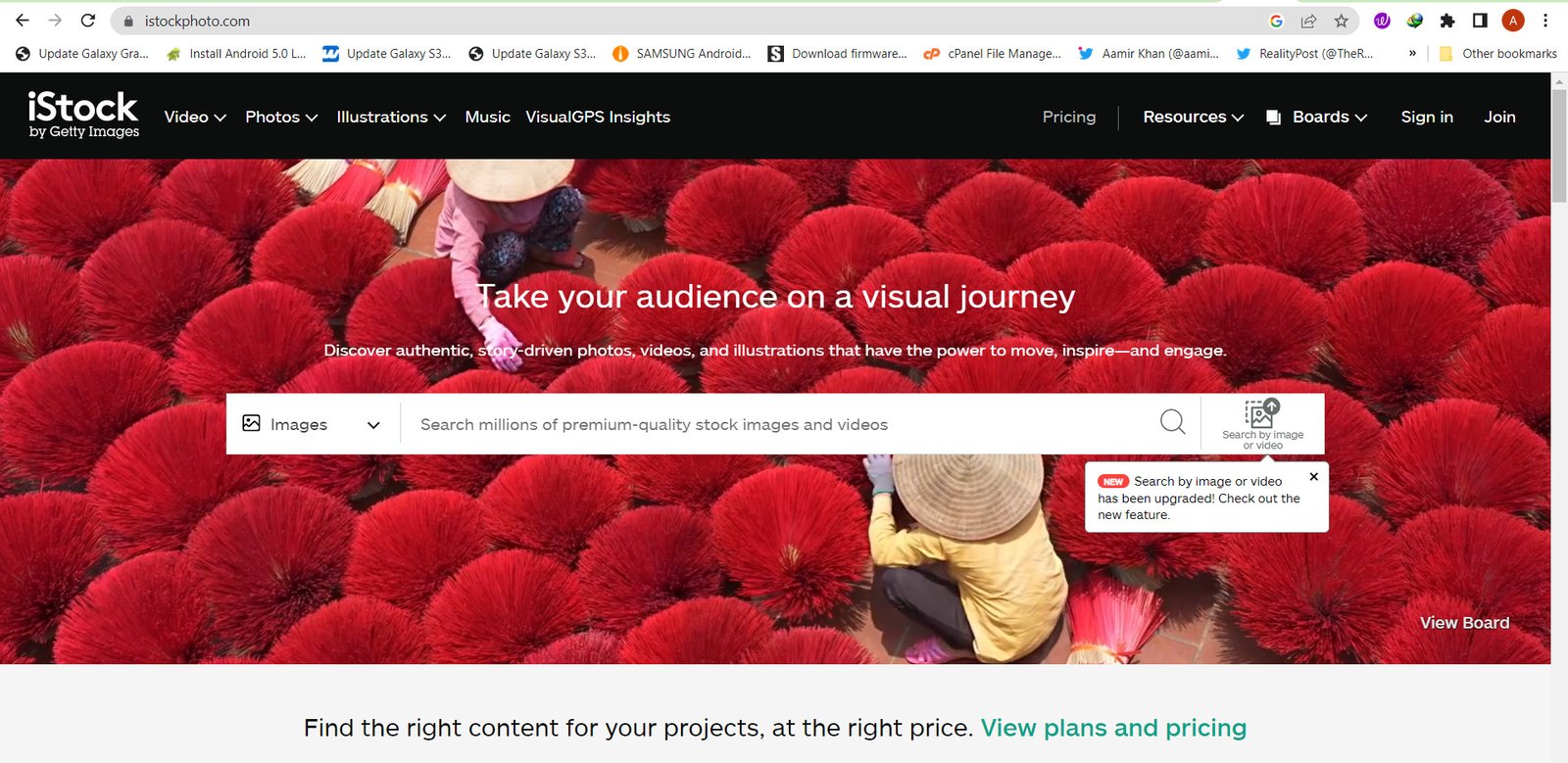
IstockPhotos Royalty Free

Website: www.istockphoto.com

3- Shutterstock

Every marketer has access to high-quality images, videos, music, and tools to turn ideas into successes. Shutterstock is arguably the most recognizable name in the industry, boasting one of the largest and fastest-growing libraries in the world. With hundreds of millions of Royalty Free Images, it serves as a “one-stop shop” for everything from music tracks and stock footage to complex 3D models. Their platform is built for speed and volume, offering robust search tools and AI-powered discovery features that help users navigate their massive database to find the perfect match in seconds.
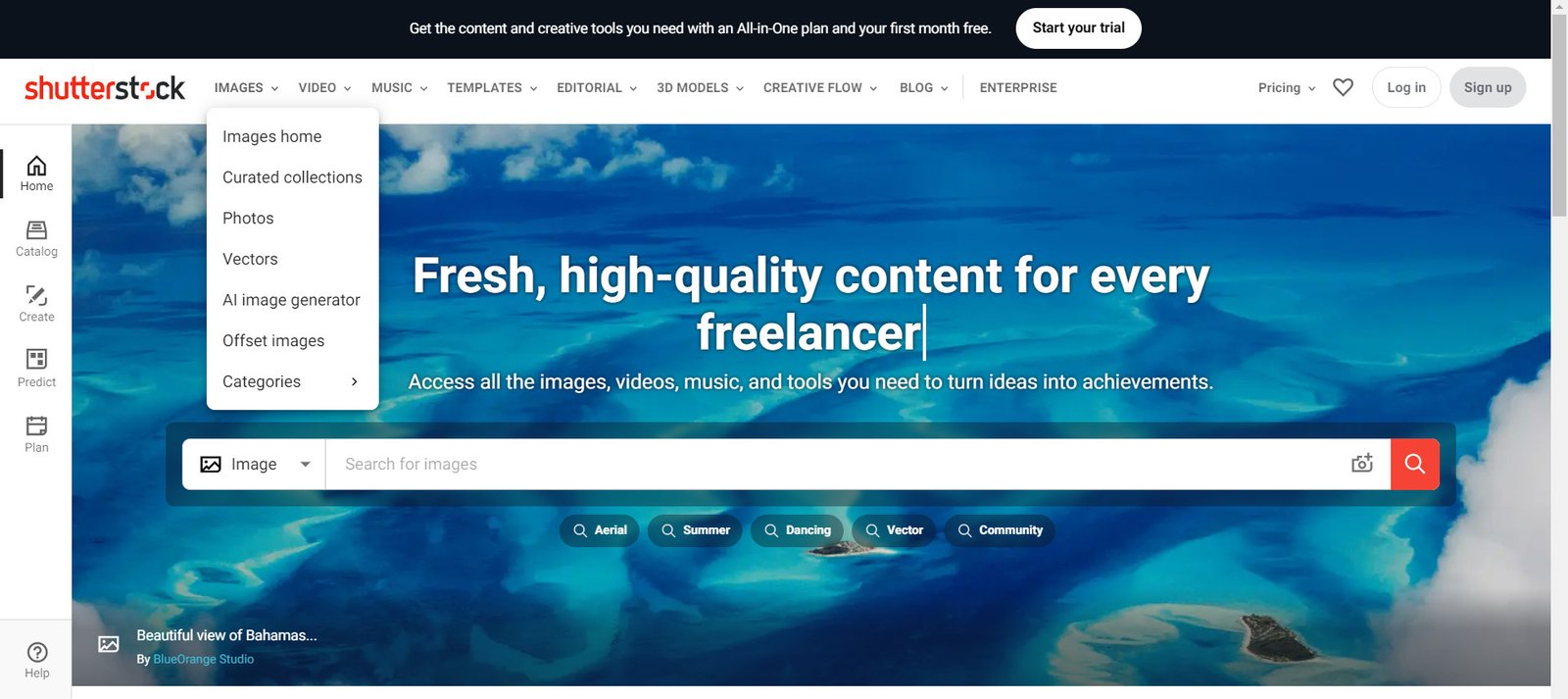
Shutterstock

Website: www.shutterstock.com

4- Dreamstime

Pictures Stock Photos, Images & Pictures. A reliable veteran in the stock world, Dreamstime has built a reputation on community and accessibility. It offers a diverse mix of commercial and editorial content, supporting a massive global network of contributors. Beyond their paid tiers, they are well-known for maintaining a substantial section of free images and public domain assets, making it a favorite for educators and independent creators who need quality visuals on a limited budget.
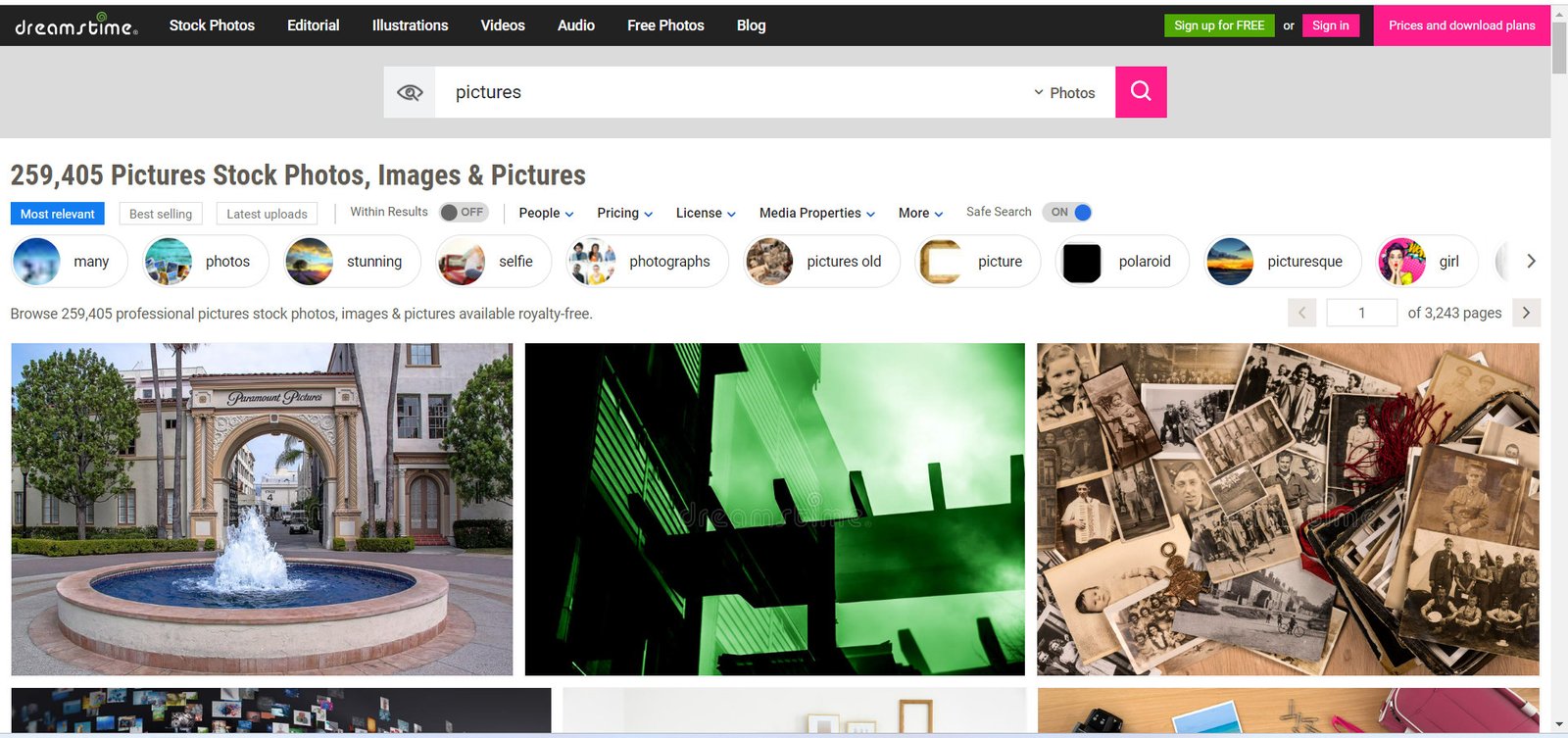
dreamstime

Website: www.dreamstime.com

5- Envato Elements

Envato Market offer millions of Digital Assets like Stock Video, Video Templates, Sound Effects, Graphic Templates, Presentation , Photos, Fonts, Web Templates, WordPress Themes and Plugins. Envato Elements operates on a unique subscription model that provides “unlimited downloads,” making it a goldmine for digital agencies and heavy producers. Unlike traditional per-image sites, a single fee grants access to a holistic toolkit including website themes, graphic templates, fonts, and presentation slides. It is less of a traditional photo gallery and more of a comprehensive creative warehouse designed to support the entire lifecycle of a digital project.
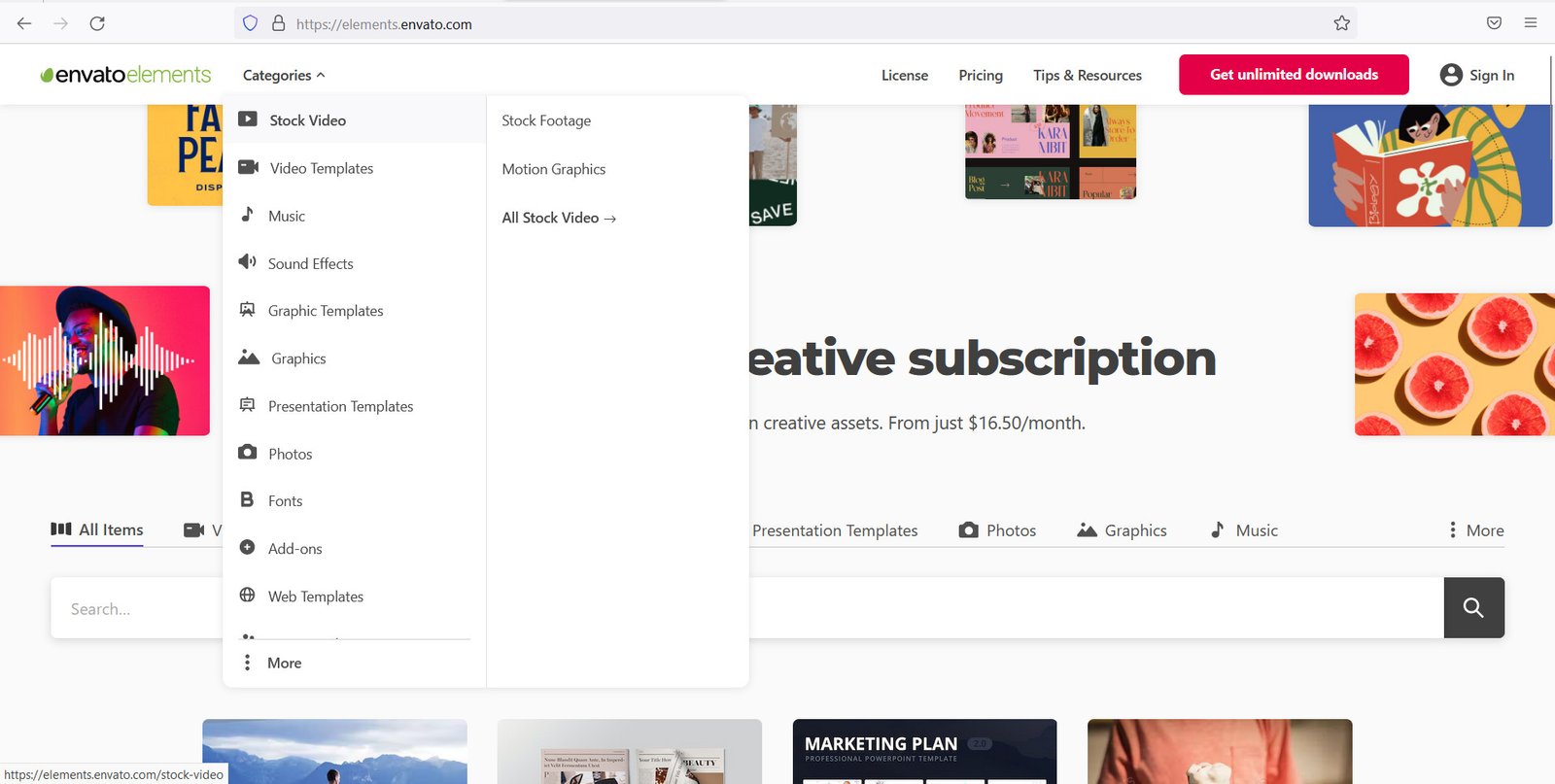
Envato Market

Website: www.elements.envato.com

6- Alamy Photos 

With a library exceeding 300 million items, Alamy is celebrated for its staggering variety and deep collection of editorial and historical photography. Unlike many competitors that focus on polished commercial “looks,” Alamy Royalty Free Images prides itself on a more authentic, “unfiltered” aesthetic. Their inclusive approach to contributors ensures a global perspective, offering niche imagery and localized content that is often unavailable on more mainstream, North American-centric platforms.
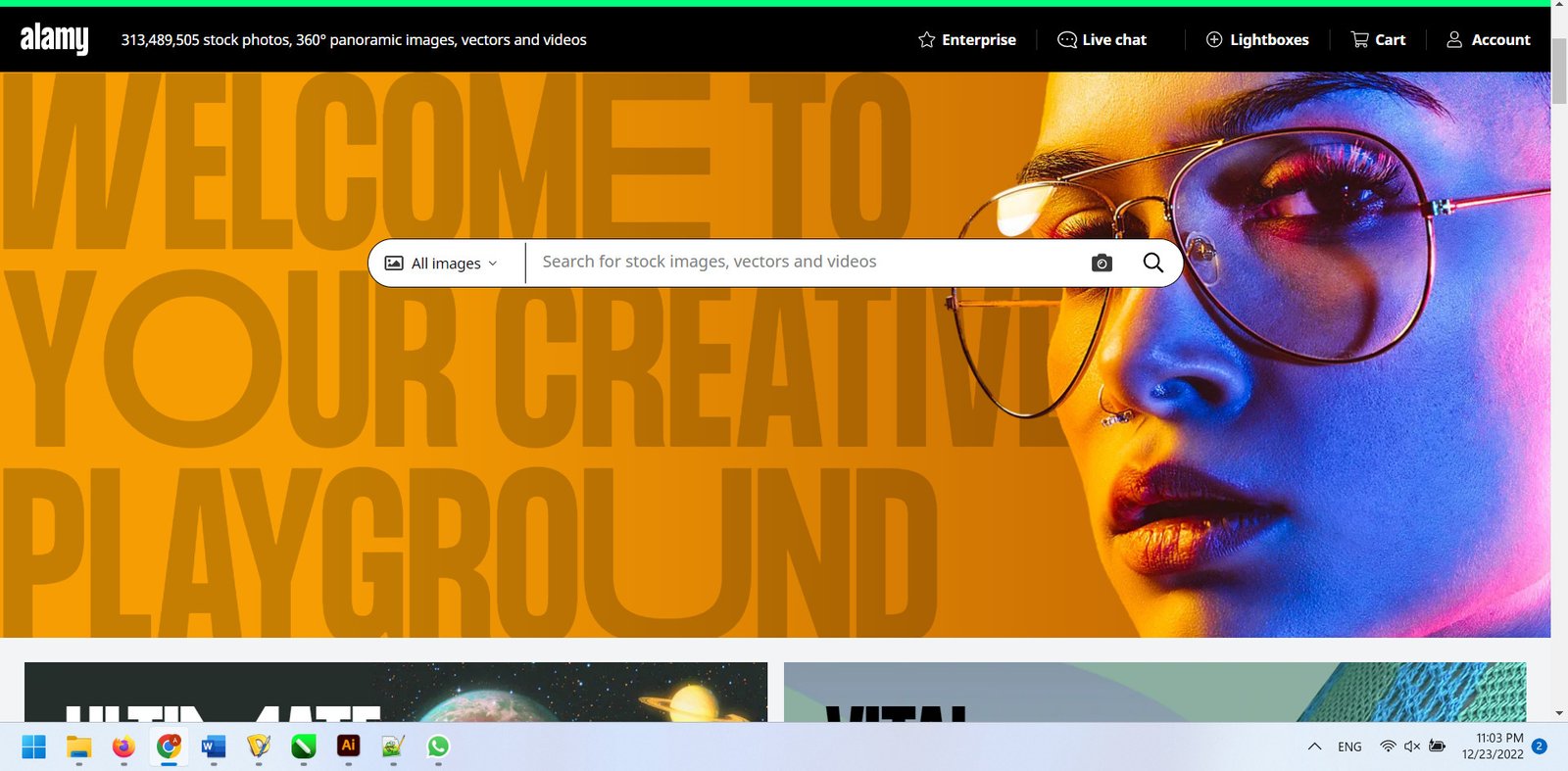
Alamy stock photos and videos from Alamy

Website: www.alamy.com

7- 123RF

Stock Photos, Vectors and Royalty Free Images. 123RF is a versatile player that focuses on providing smart, cost-effective solutions for businesses. Their platform stands out for its integrated editing tools, which allow users to remove backgrounds or apply filters directly in the browser before downloading. By combining a straightforward credit-based pricing system with a massive library of creative assets, they offer a practical and user-friendly experience for marketing teams focused on rapid content production Royalty Free Images.
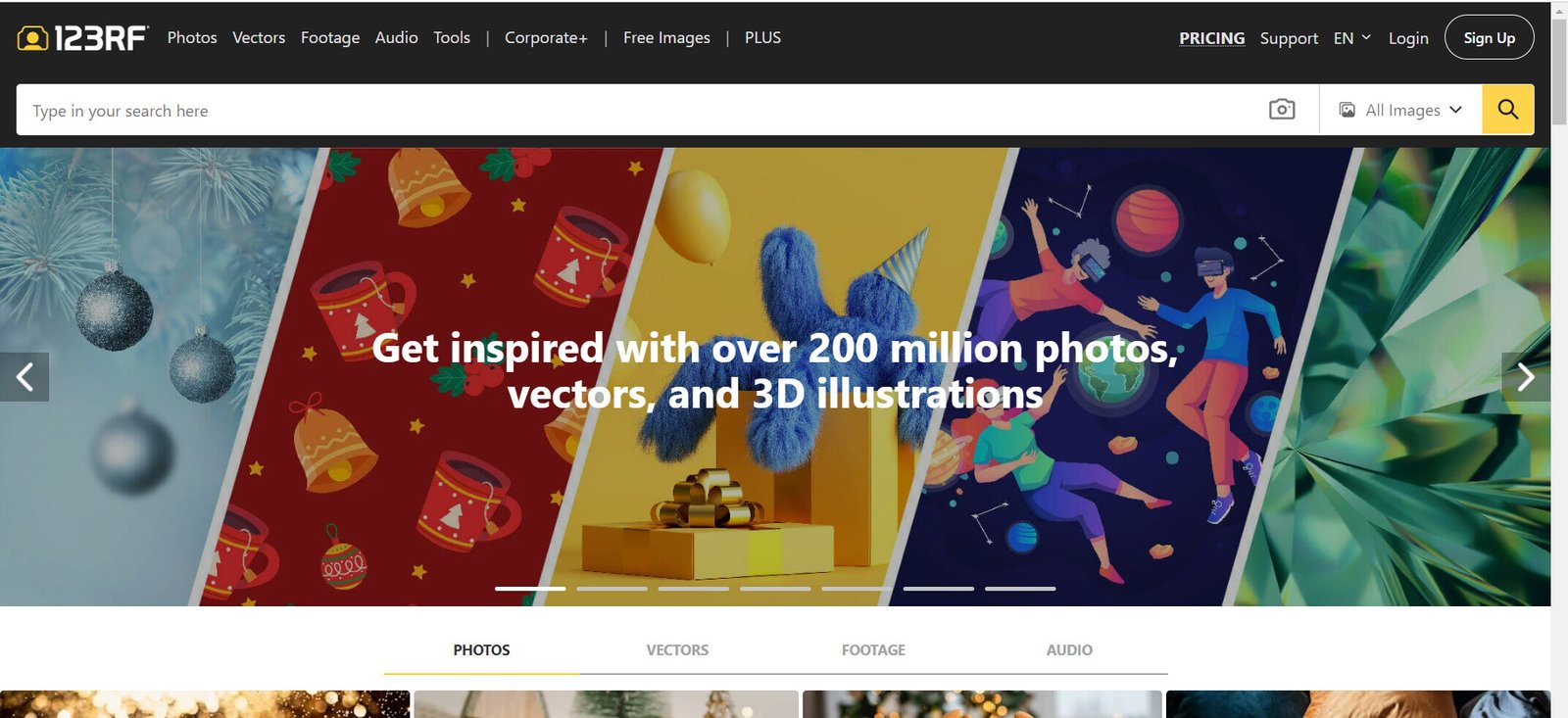
Stock Photos Vectors and Royalty Free Images from 123RF

Website: www.123rf.com

8- Depositphotos

Stock Photos – Perfect Images, Royalty Free. Positioning itself as a bridge between high-quality content and affordability, Depositphotos has become a go-to for startups and social media managers. They offer a highly intuitive interface and a wide array of “themed” collections that align with current marketing trends. Their library is particularly strong in lifestyle photography and trendy vectors, providing a modern aesthetic that helps brands maintain a fresh and contemporary presence online.
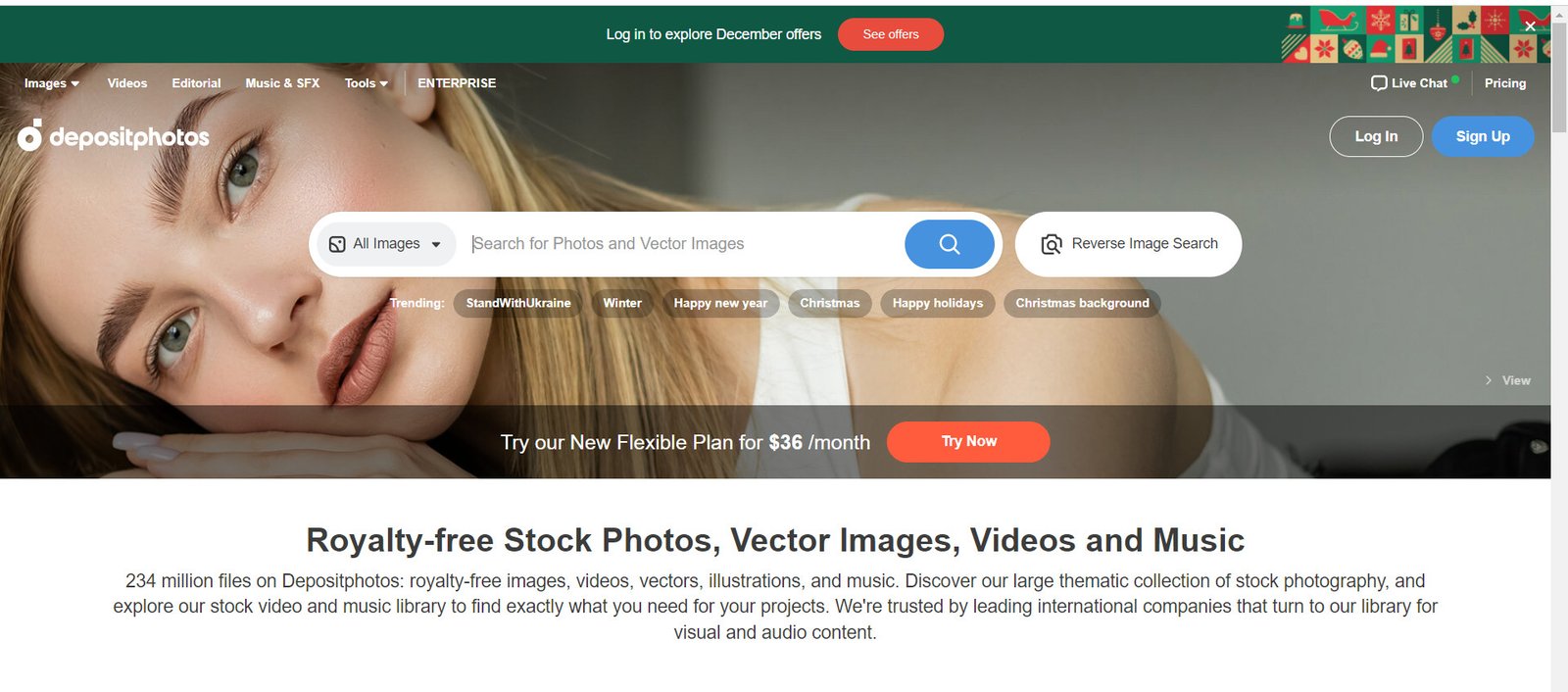
Depositphotos Stock Photos Perfect Images Royalty Free

Website:  www.depositphotos.com

9- VectorStock

Vector Art, Images, Graphics & Clipart. As the name suggests, VectorStock specializes exclusively in vector-based graphics, making it the premier destination for logos, icons, and scalable illustrations. Because they don’t host photography or video, their search engine is finely tuned for graphic design requirements. This specialized focus allows them to offer some of the most competitive prices in the industry for EPS and AI files, serving as an essential resource for designers who need crisp, resolution-independent artwork.
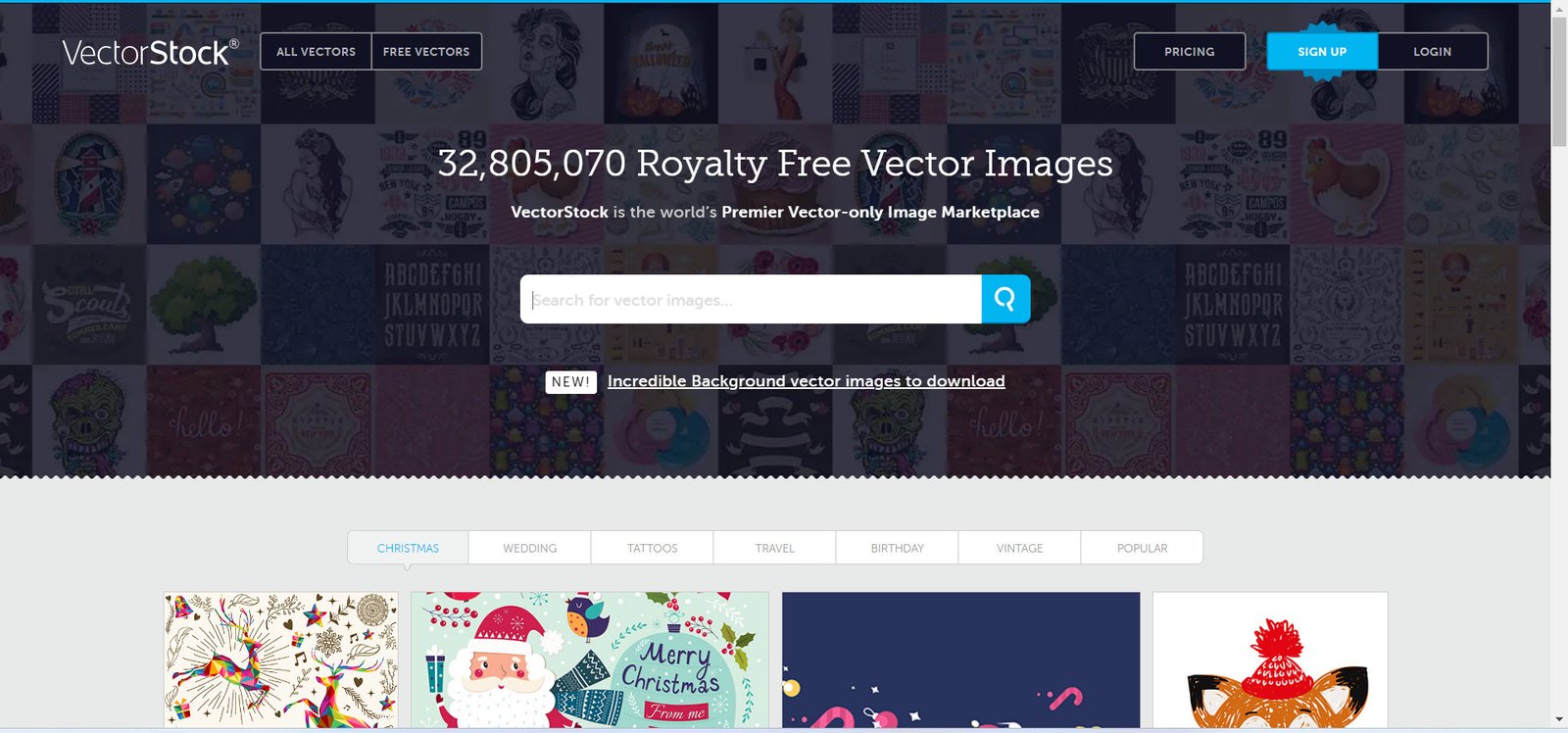
VectorStock Vector Art Images Graphics Clipart

Website: www.vectorstock.com

Choosing the right stock media provider ultimately depends on balancing specific project requirements, budget constraints, and workflow preferences. While giants like Shutterstock and Adobe Stock Royalty Free Images lead the market through sheer volume and deep software integration, specialized platforms like VectorStock or Alamy offer indispensable value for niche design needs and authentic editorial content. Meanwhile, subscription-based models like Envato Elements have redefined the industry by providing a holistic toolkit for digital creators, and accessible options like 123RF and Depositphotos Royalty Free Images ensure that high-quality visual storytelling remains attainable for businesses of all sizes. Together, these platforms form a comprehensive global infrastructure that empowers creators to translate abstract ideas into professional, high-impact visual realities.


Best Sites to find Vector graphics & images for business marketing

Best Graphics Design And Vector Websites

Best Sites to find Vector graphics & images for business marketing

Best Sites Vector graphics and find images for your Business. Vector graphics are a type of art that can be created with software. They can be used to help communicate a mood or design a marketing campaign. There are many ways to create vector graphics and photo stock that can be used for a variety of purposes. Whether you are just getting started in the world of vector graphics or want to learn more about them, these tutorials will walk you through the process of creating vector graphics and photo stock yourself. Read on to discover how to download vector graphics and photo stock, analyze the quality of your final piece, and more. In this blog post, we’ll answer some common questions about using pixels to create vector graphics and photo stock. You might also find helpful tips on how to choose the right materials for your project. Keep reading for everything you need to know about creating vectors and photo stocks with pixels.

Business marketing images and vector graphics are essential tools for creating compelling visual content that captures attention and communicates your brand message effectively. Whether you’re designing social media posts, website banners, or marketing materials, finding the right high-quality visuals can transform your campaigns and engage your audience from the first glance.

graphics and vector download website

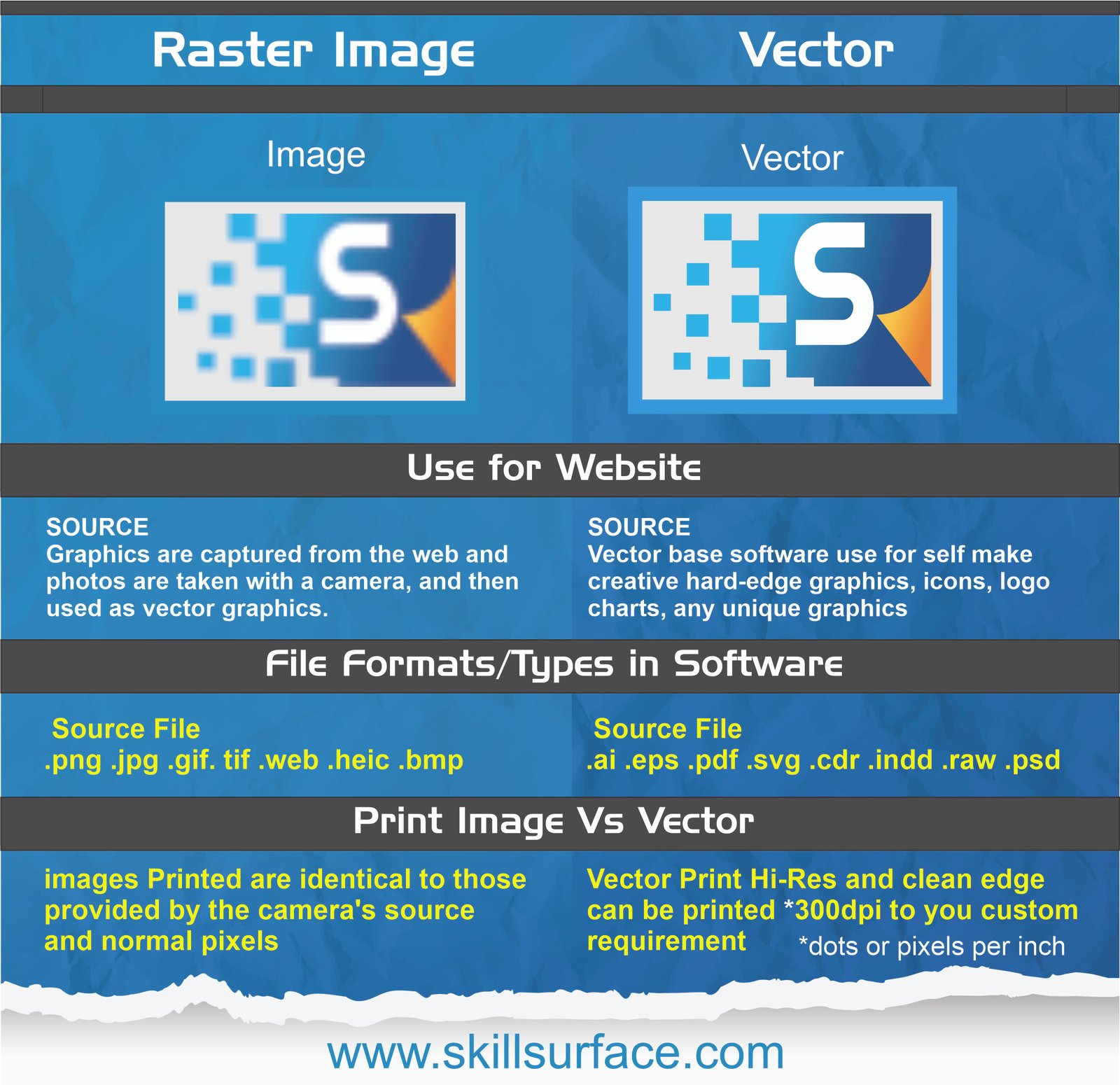
What is a vector?

A vector is an image that can be used to create various types of visual effects. When used correctly, a palette of colours and an overall design can transform an image into something more than just an image. A good example of this is the rainbow in the sunset above. A vector can be used to add any of the colours that make up your favourite fabric, making it a unique piece that might not be possible to achieve by painting the entire house all in one go. A great example of this can be found in the world of advertising. By using images that contain specific colours, designs, or both, advertising can turn a negative into a positive. For example, using a red lantern as the lantern light to illuminate the warehouse in the ad, the image becomes a positive and positive light can be seen.

vector-vs-photo-graphics-designer

Top ranking and Most Popular Royalty free Photo and Video Stock websites

Create a website for your business or marketing your business on social media by posting informative content about your product or service, build a website for your e-commerce store or running an informative blog. It is therefore important to design your products in such a way that the customer always sees a beautiful product and is attracted to it. It is necessary to have good and beautiful graphics content in order to achieve this. Having great, beautiful, high-resolution and high-quality images is essential to illustrate the content of your product, service, or marketing post, which sometimes requires beautiful model girls and men. Another important thing is that no matter what kind of project you are working on, you must have graphics that will help you satisfy your customer and appreciate the work. There are many websites of images according to your work which will be a marketing tool in the internet world. These websites have high quality images and vectors for every work related and every field. On such web you can find best high resolution graphics collection like banner, islamic graphics, calligraphy, twitter cover, flex, business cards, cards, brochure, artwork, wallpaper, magazine, logo, flyer, fb cover photo, Includes artwork, food menus, packaging, newsletters, stationery, and key TV media And whenever you work on new projects like creating a business website, social media product marketing, it requires new images and vector graphics which are sometimes practically and physically impossible to get. However, you can easily get beautiful images and graphics of attractive scenes from graphics stock, video and photo stock websites. Which gives you full right to use them without any copyright claim. This process is called copyright free royalty free images, vectors and videos. These stock photo royalty-free websites offer millions of high-quality images that you can download for free or for a fee.

Our research has led us to the best stock photo websites online. This is where you can find beautiful and high quality vectors and images for your projects. Below is a list of their selections.


How to download vector graphics and photo stock

The first step towards creating vector graphics and photo stock is to choose the right materials. There are many different types of woods that can be used in the creation of vector graphics and photo stocks. For example, wood available in a pure variety of colours can be used to create a variety of effects. The right materials can help you to create a more realistic and detailed piece. You can also use white papers, emails, and other Internet documents as raw materials. Although these may not be a topic of primary concern to the reader, the information they contain can create a wealth of joy and inspiration for the artist. The color schemes, designs, and details that can be created with these are endless. The only problem is to decide which documents to use. If you are creating a project for a friend or family member, it is a good idea to choose a topic that is more private. Don’t want them to see the plot of a movie? Choose a secret project. Want to draw an image for a wedding? Go for something low key and personal. There are lots of different types of visual effects that can be achieved with the use of different types of materials.

Can you create photo stock with vectors?

Yes, you can. The good news is that it is much easier than you might have first thought. The following diagram shows the process of creating a photo stock with vectors. The most important thing to remember while creating your first piece of vector art is that everything should have a common ancestor. While you can begin with random elements from various sources such as pictures, emails, and blogs, it is important to find a common root and general structure among your designs. This will make the process of adding tension and inflection easier. You can also add effects that can be very much related to the materials you are using. For example, a rainbow in the sunset above can be made using a rainbow in a variety of colours. To create the Rainbow in a Can class, begin by choosing a colour that you want to use as the base for your design. Next, pick out a few colours on your left-hand side that you want to use as the middle colours. This will give your design a natural, organic look.

Different materials for different projects. That’s the beauty of pixels!

If you are creating a project for a business or an individual, you will want to use a variety of materials. Wood, canvas, papers, and photos are a few of the materials that can all be used to create a piece of visual effect. The ultimate goal is to use materials that can be applied to one another without causing any damage to the environment. Another way to think of it is that you should choose the right materials for the job at first. While there are many different types of woods that can be used for photo stock, you should generally choose a material that you believe will be durable and long- lasting.

How to Enable SSH Shell Terminal in CPanel use without Software

How To Enable Ssh Shell Terminal In Cpanel Use Without Software Hineurdu

How to Enable SSH Shell Terminal in CPanel use without Software

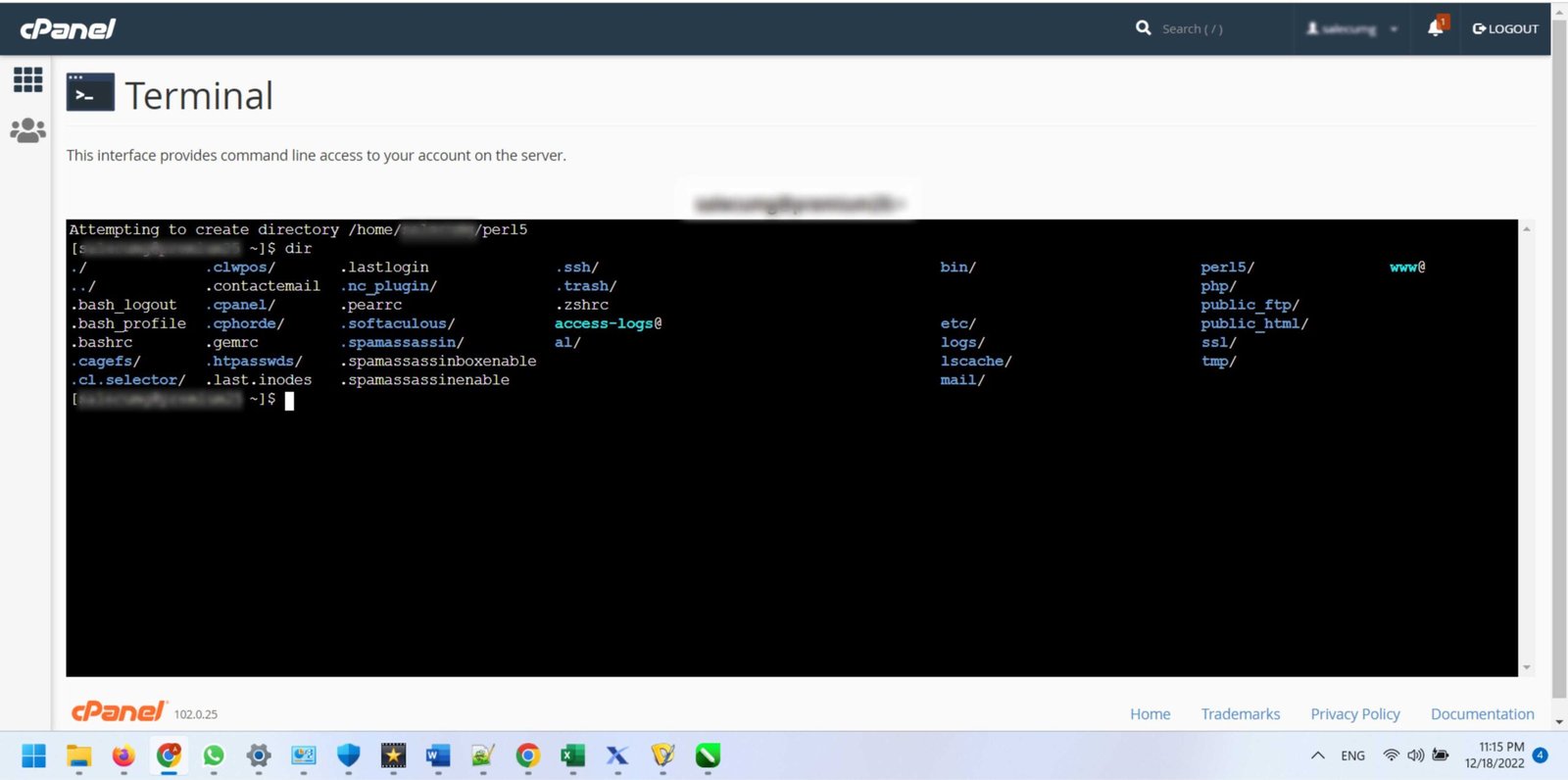
Learn to use the cPanel SSH Shell Terminal full access. This guide shows how to run commands on your server directly from your browser. No extra software needed. Managing a web server often requires more than just a graphical interface. For advanced tasks, developers and administrators turn to SSH (Secure Shell). SSH is the encrypted protocol used to securely access and control a remote server’s command line. Traditionally, this required a dedicated desktop application like PuTTY, openSSH, or the built-in terminal on macOS/Linux. However, many users need to run a quick command without installing software, or they may be using a computer where they can’t. Thankfully, cPanel provides a powerful, built-in solution: the “Terminal” feature. This tool gives you a full-featured, browser-based shell, allowing you to run commands securely and directly from your cPanel dashboard.

cPanel SSH Terminal offers a game-changing way to access your server’s command line directly from your browser—no extra software required. Whether you’re a developer needing quick access or managing sites from restricted computers, this built-in tool provides full SSH capabilities right within your cPanel dashboard.

This guide will show you how to find, enable, and use the cPanel Terminal for full SSH access, bypassing the need for any external applications.

What Is the cPanel Terminal?

The cPanel Terminal is a feature found within the “Advanced” section of your cPanel dashboard. It’s essentially an in-browser emulator that provides direct shell access to your account on the server.

Instead of configuring keys, managing IP addresses, and launching a separate program, you simply click an icon. It’s the perfect solution for:

  • Convenience: Making quick changes or checking logs from any browser.
  • Accessibility: Using SSH on restricted computers (like a public library or work PC) where you cannot install software.
  • Ease of Use: Bypassing the setup of a traditional SSH client.

It provides the exact same capabilities as a standard SSH session, allowing you to use powerful tools like WP-CLI, Git, and Composer right from your web browser.

A Step-by-Step Guide to Accessing the cPanel Terminal

Accessing the feature is simple, provided your host has enabled it.

  1. Log in to Your cPanel Account: Use your username and password to log in to your web hosting control panel.
  2. Find the “Advanced” Section: Scroll down your cPanel main page. Tools are grouped into categories. Look for the group labeled “Advanced”.
  3. Click the “Terminal” Icon: Inside the “Advanced” section, you should see an icon labeled “Terminal”. Click on it.
  4. Acknowledge the Warning: The first time you open it, cPanel will likely display a security warning. This is to remind you that you are about to access a powerful tool where incorrect commands can damage your site. Read the warning, understand the risks, and click “I understand and want to proceed.”
  5. Start Using the Terminal: A new tab or window will open, displaying a command-line prompt. It will look something like this: [username@server ~]$.

You are now logged in via SSH and can begin typing commands.

What to Do if the “Terminal” Icon is Missing

This is the most common problem users face. You log in to cPanel, look under the “Advanced” section, and the “Terminal” icon is nowhere to be found. This does not mean your cPanel is broken. It simply means that your web hosting provider has disabled shell access for your hosting plan. For security or resource management reasons, many shared hosting plans disable this feature by default. You cannot enable it yourself. You must contact your host’s technical support and specifically request that they “enable shell (SSH) access” for your account. Once they have enabled it on their end, you can refresh your cPanel, and the “Terminal” icon will appear.

Common Commands to Use in Your cPanel Terminal

Now that you have access, what can you do with it? The possibilities are vast, but here are some of the most common and useful commands for website managers:

  • Navigate Folders:
    • ls -la: Lists all files and folders in the current directory, including hidden ones.
    • cd public_html: Changes your location into the public_html directory (where most websites live).
    • cd ..: Moves you up one directory level.
  • Manage Files:
    • touch index.html: Creates a new, empty file named index.html.
    • cp oldfile.txt newfile.txt: Copies a file.
    • mv oldname.txt newname.txt: Moves or renames a file.
  • WordPress Management (if WP-CLI is installed):
    • wp plugin update --all: Updates all of your WordPress plugins at once.
    • wp theme activate twentytwentythree: Activates a theme.
    • wp user list: Lists all users on your WordPress site.
  • Version Control with Git:
    • git clone [repository_url]: Clones a Git repository to your server.
    • git pull: Pulls the latest changes from a remote repository.

Your Server Access, Simplified

The cPanel Terminal feature is a game-changer for quick server management. It removes the barrier of entry for using SSH, eliminating the need to install or configure external software like PuTTY. It places the full power of the command line—whether for managing WordPress with WP-CLI, deploying code with Git, or just running simple file commands—directly into your web browser. While its availability depends entirely on your hosting provider, it offers a secure and incredibly convenient way to manage your website. If you don’t see the option, send a quick ticket to your host’s support team to unlock this powerful tool.

What is SSH Guide and Getting the most out of Secure Shell

What Is Ssh Getting Secure Shell

What is SSH and Getting the most out of Secure Shell

What is SSH?

SSH, or Secure Shell, is your secure gateway to remote computing—whether you’re managing web servers, transferring files, or automating DevOps tasks. This cryptographic protocol creates encrypted connections that keep your data safe while giving you powerful command-line control from anywhere.

SSH, or Secure Shell, is a network protocol that allows secure data exchange between two computers connected via the internet. It’s used as a secure replacement for the Telnet protocol, which is an older protocol that allows access to a remote computer without any encryption. SSH works by authenticating the user who is attempting to connect to the remote computer and then establishing an encrypted connection. Once the connection is established, the user can access files, folders, and applications on the remote computer.
SSH has become a popular choice for remote access, especially in the world of DevOps, where automation and remote access are essential. It’s also used in web hosting environments, where secure access to a web server is required. SSH is one of the most secure protocols available, and it’s used in many different industries, from banking to government.
What is SSH and Getting the most out of Secure Shell

Secure shell (SSH) is a cryptographic network protocol that provides secure network access on unsecured networks. It is mainly used for web hosting, dedicated servers, and virtual private servers (VPS) for enabling and disabling services and zipping and unzipping large data files and databases. Its most popular applications are remote login and command-line execution. A web server that uses SSH (secure shell) can be connected to via this interface. SSH network protocol allows you to connect to another web server via a command line interface (CLI). Remotely managing your server, configuring CGI scripts, and performing other tasks are possible with this network protocol.

The following benefits can be gained from enabling SSH access:

  • All hosting, dedicated server and VPS Secure Remote Control with full Access
  • SSH allowed zipping and unzipping large data files and database
  • Fast speed and also Hosting files and directories can be added, removed, backeup, edited, and restored.
  • Your database can be imported and exported secure and easily with SSH command line
  • It has been established that two different servers are connected

Benefits of Using SSH

There are many advantages of using SSH, including the following:

  • Secure authentication: SSH uses strong encryption and authentication methods, making it virtually impossible for an unauthorized user to access your system.
  • Security: SSH is an incredibly secure protocol, which makes it difficult for attackers to intercept data and gain access to your system.
  • Speed: SSH is much faster than other protocols, making it ideal for large file transfers and remote access to applications.
  • Compression: SSH can compress data before transmission, which means faster transfer speeds and less bandwidth usage.
  • Portability: SSH can be used on any operating system, making it a great choice for multi-platform environments.

SSH with Putty Cpanel powershell

Understanding SSH Ports

When using SSH, you need to open a specific port on the server. This is known as the SSH port, and it’s usually set to port 22 by default. You can also change the port to any other number, but it’s important to remember that the port must be open in order for the SSH connection to be successful. It’s also important to ensure that the port is not open to the public, as this could potentially leave your system vulnerable to attack.

SSH Protocols and Extensions

SSH has a number of different protocols and extensions, which provide additional security and functionality. The most common protocols are SSH-1 and SSH-2, which are the two main versions of the SSH protocol. SSH-1 was the original version of the protocol, and it’s still used today, though it’s not as secure as the newer version, SSH-2.

SSH also has a number of extensions, such as SFTP, SCP, X11, and Kerberos. SFTP is a secure file transfer protocol, which is used to securely transfer files between two computers. SCP is a secure copy protocol, which is used to securely copy files between two computers. X11 is an extension that allows graphical applications to be displayed remotely. Finally, Kerberos is an authentication protocol, which is used to authenticate users.

Installing SSH Secure Shell

Installing SSH Secure Shell is relatively easy. All you need to do is download the software from the official website and follow the instructions provided. You can also use the command line interface to install the software. Once it’s been installed, you can then use the SSH client to establish a secure connection to the remote computer.

SSH Remote Access

Once you have SSH Secure Shell installed, you can use it to securely access the remote computer. To do this, you will need to authenticate your identity using either a username and password, or an SSH key. Once you have authenticated, you can then establish a secure connection to the remote computer and access its files, folders, and applications.

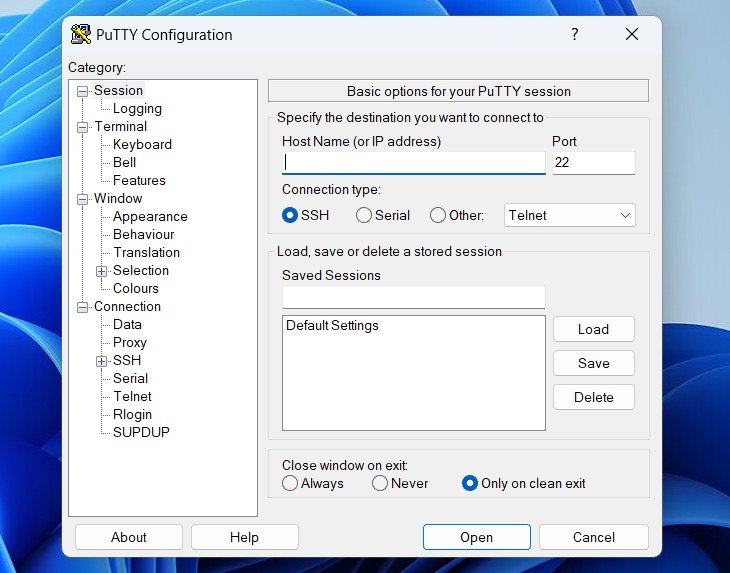
The best software for SSH is PuTTY (or another SSH client) which you can download the private/public keys from here.

PuTTY SSH

Official Website: www.putty.org

SSH for Chrome

If you are using the Chrome browser, you can also access SSH using the Chrome Secure Shell extension. This extension allows you to securely access remote computers from within the Chrome browser. You can use the extension to securely access remote computers, as well as transfer files and folders. Access to the servers is available directly through Cpanel hosting without the need for additional software.

Manage SSH Shell Cpanel scaled 1

SSH Security Best Practices

When using SSH, it’s important to follow some basic security best practices to ensure that your connection is secure.

  • Use strong passwords: Always use strong passwords when authenticating with SSH.
  • Use two-factor authentication: Use two-factor authentication whenever possible to add an extra layer of security to your connection.
  • Use SSH keys: SSH keys are a secure way to authenticate with SSH, and they can help protect against brute-force attacks.
  • Disable root login: Disable root login to prevent unauthorized access to the system.
  • Change the SSH port: Change the SSH port to a non-standard port to prevent unauthorized access.
  • Use a firewall: Use a firewall to restrict access to the server.

SSH Troubleshooting Tips

If you are having trouble establishing an SSH connection, there are a few things you can try.

  • Check your firewall: Make sure that the SSH port is open on the firewall.
  • Check the SSH configuration: Make sure that the SSH configuration is correct, and that the user has the correct permissions.
  • Check the SSH keys: Make sure that the SSH keys are valid and that they are correctly configured.
  • Check the network connection: Make sure that the network connection is stable and that the remote computer is accessible.
  • Secure Shell (SSH) is a secure network protocol that enables remote access to systems and applications. It’s an incredibly powerful tool, and it’s essential for anyone who needs access to remote systems. In this article, we’ve covered the basics of SSH, its benefits, protocols and extensions, and best practices.
  • If you’re looking for a reliable, secure way to access your systems, then you should consider using SSH. It’s fast, secure, and easy to use. So why not give it a try?
  • If you’re ready to unlock the power of SSH, then start downloading SSH Secure Shell and get started today!